
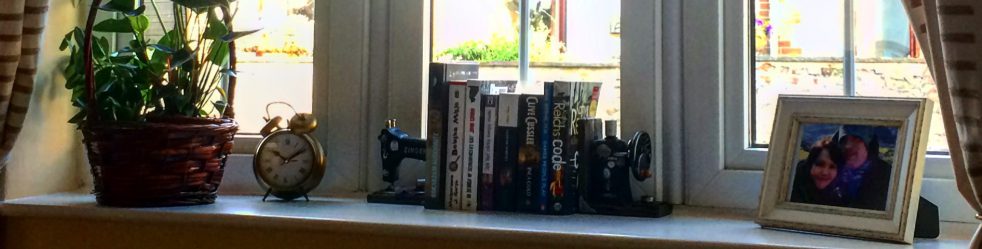
Wall art, prints and signs add not only style but also personality into a home. When renting, bare walls of a colour you’d never pick if you had a choice can feel a bit unsatisfying, especially if you’ve made a real effort with furniture and accessories. Sometimes walls just need a dress up!
Every home décor shop from Ikea to B&Q stocks a vast selection of prints and signs. There’s definitely something for everyone – for every room, in various styles, colours, shapes and sizes. Rustic and worn, contemporary, full of colour – you pick. But as much you can appreciate the occasional ‘Hope Sweet Home’ and ‘Dream Big’, don’t you wish the motivational quote was from your favourite book? The lyrics were of your favourite song? The funny sign was an inside joke between you and your housemate? Of course, internet is full of websites that will make the personalised posters for you but they can be costly. Just the other day I saw a simple, framed A4 text print for £36! If you’re thinking wall gallery type display, get ready to spend a fortune… Or keep reading… 😉
I discovered PicMoneky.com some time ago. I work in marketing and one day I was desperate for an image with no designer in sight. As I have no idea how to use Photoshop, I searched for an online editing tool and stumbled upon a website I have been using on almost daily basis ever since.

PicMonkey is just that – and online picture editing tool. Anything from adding filters, removing red eyes and adding captions to creating collages and designing images from scratch. There’s a free version of the app with limited functionality and a paid subscription with extra fonts and backgrounds, bigger selection of overlays and a hub where you can save your unfinished creations. The paid subscription is £45 a year or £5 a month and it’s definitely worth the price.
PicMonkey really opens up a world of possibilities. You can create simple text prints as well as creative wall art. You can also manipulate pictures (add some make-up or ‘lose’ a few pounds). There are plenty of tutorials that will introduce to various techniques and help you get the best out of the tool.
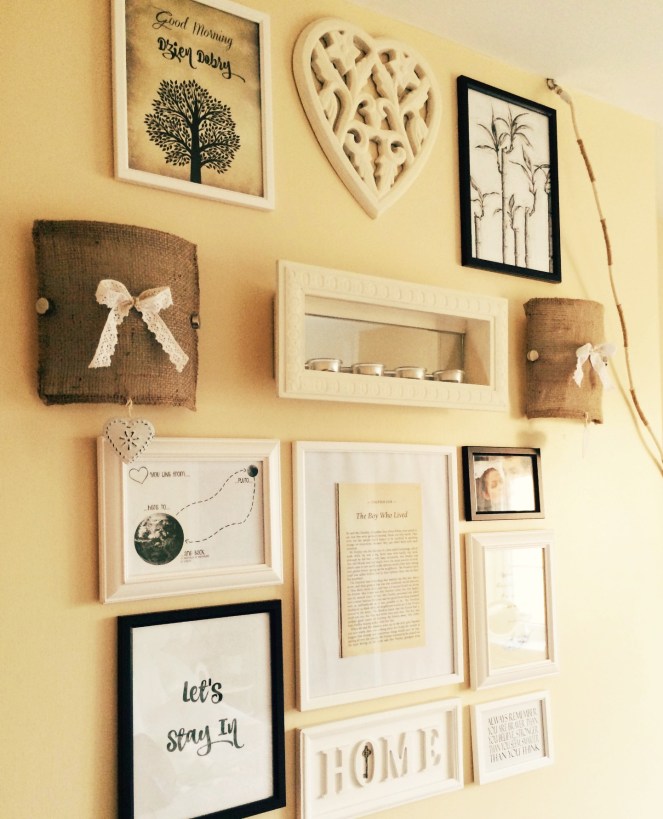
Here’s just a few of the simple prints I created that are now hanging on my walls.
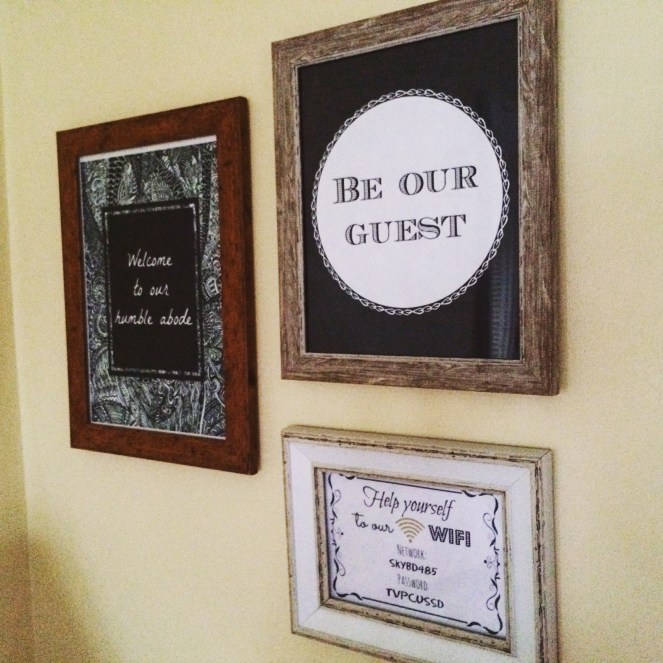
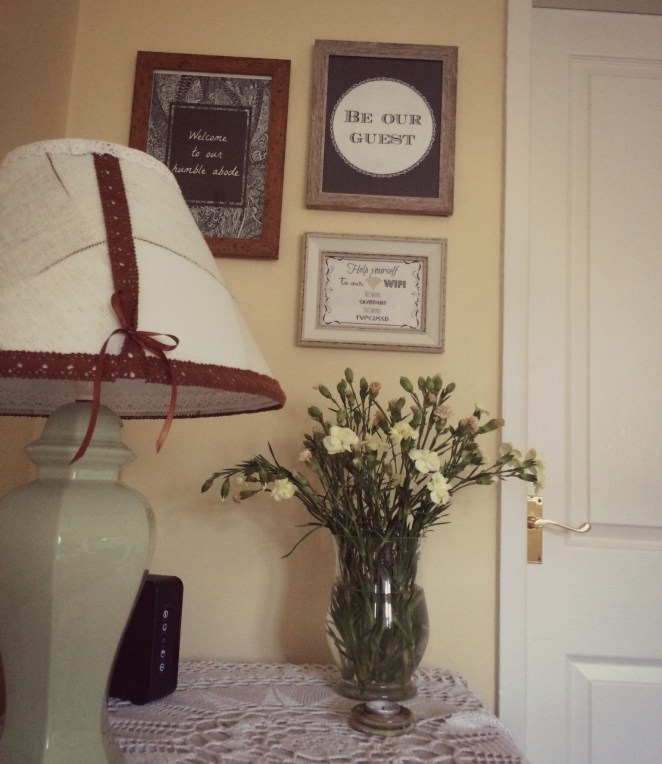
Here are just a few of the prints that are hanging in a neat gallery display in my bedroom.


If you have ideas and a bit of time, give PicMonkey a go.
 decorented.com
wow!!! this is really cuute!! love your gallery wall and the prints!!! I just did a DIY canvas light art!
LikeLike
Thank you! I’ve just seen your canvas art, I really like it. Perfect for a bedroom
LikeLike